THE DEFINITIVE
SIMULATION
STANDARD

Scalable Display Manager is the premier software for automatic warping and edge blending in simulation. Built from the ground up for the most demanding applications and the most rigorous acceptance testing criteria in the industry.

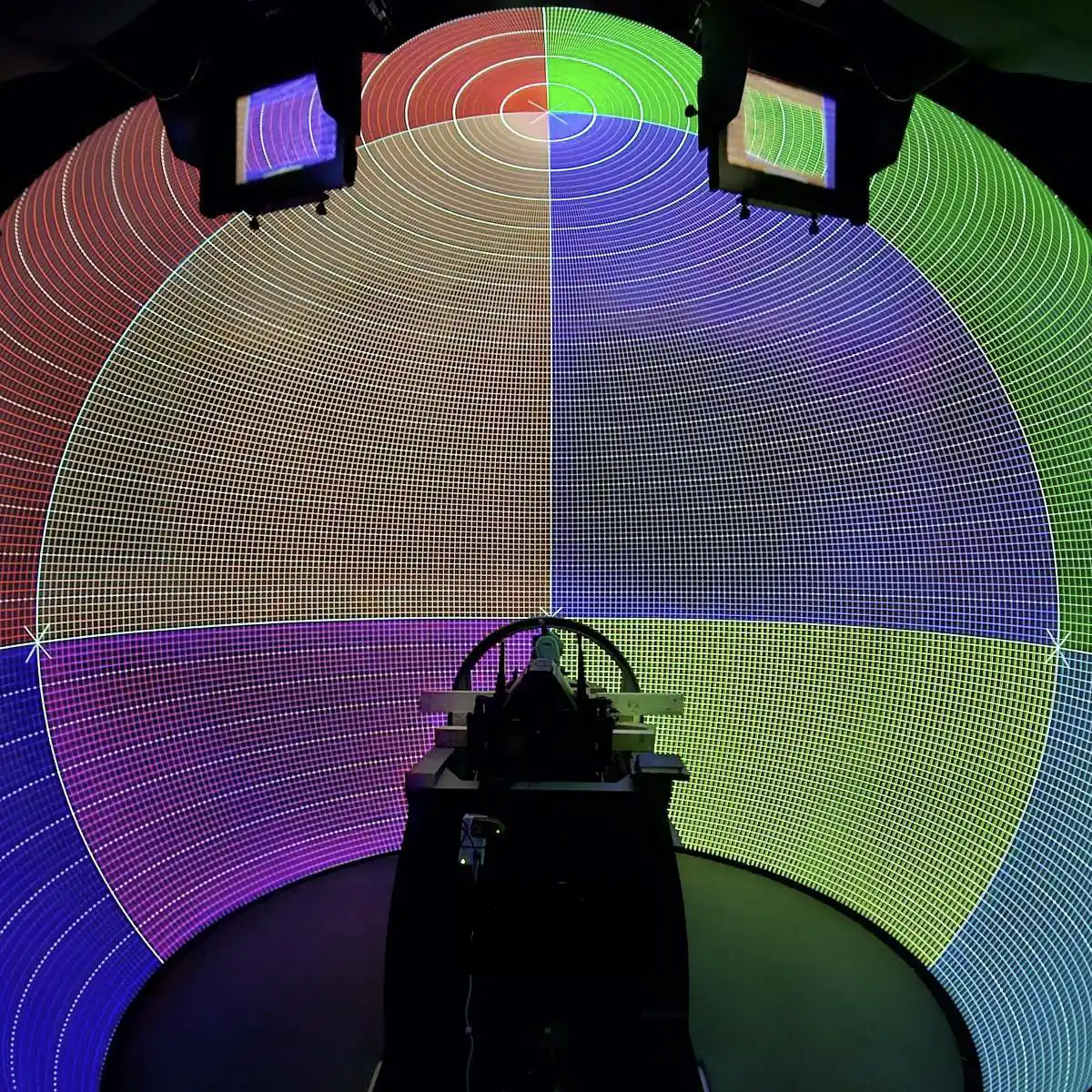
SDM calibrates an unlimited number of projectors on any screen geometry: 360° displays, domes, hemispheres, CAVEs, collimated screens, and fully custom shapes via 3D file import. Fix-mounted cameras. One click. Results that hold for years. Trusted by the industry.

Talk to our simulation team →
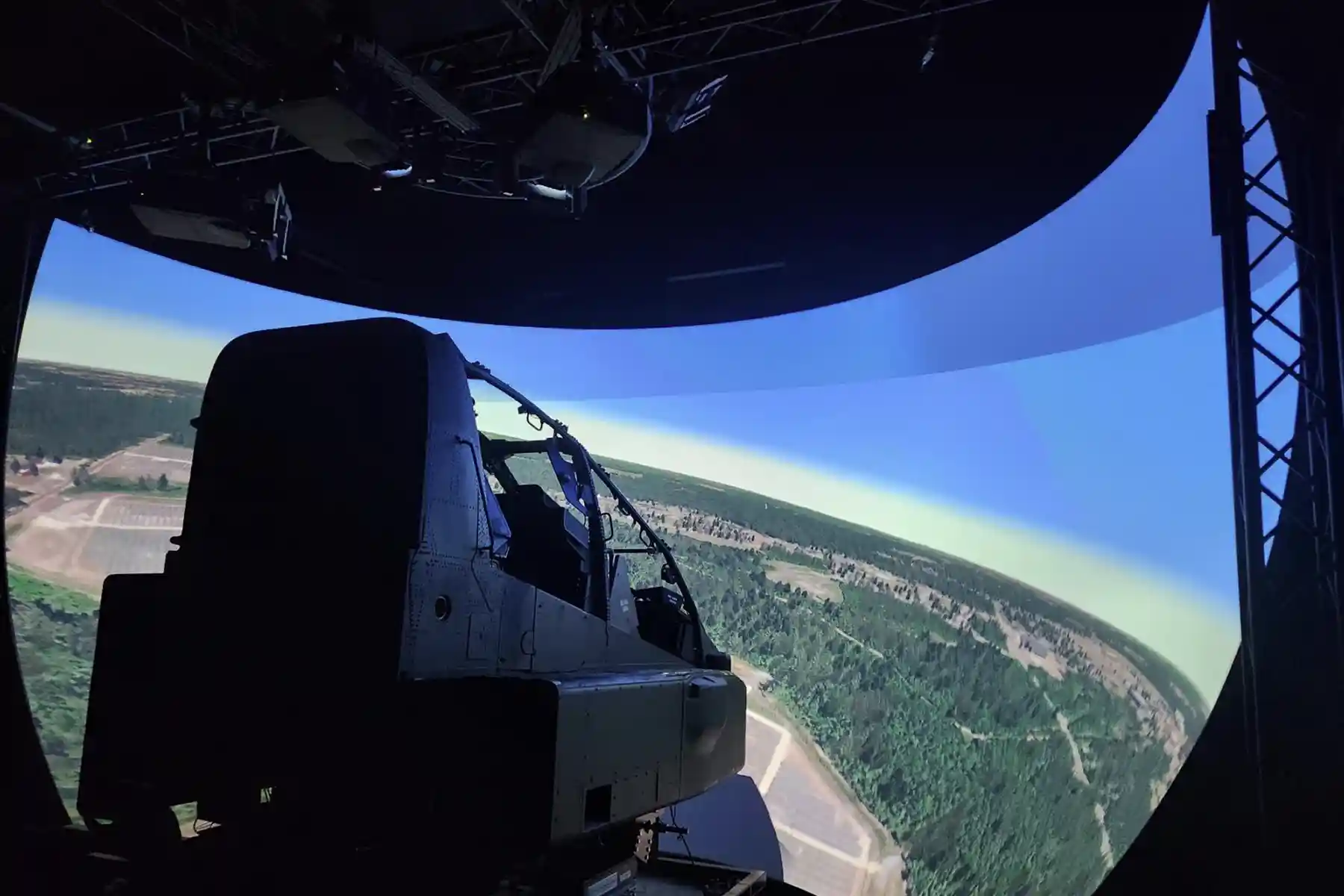
Flight simulator dome projection display calibrated with Scalable Display Manager
U.S. DoD
All branches · Allied forces
SDM · Any geometry · Sub-pixel accuracy
Capabilities

BUILT FOR THE
HARDEST JOBS

Every feature in SDM was designed to meet or exceed the acceptance testing requirements of the world's most demanding simulation programs.

Any Screen Geometry
360° screens, domes, hemispheres, toroildal, flat, curved, rear-projection and collimated— or any custom shape via 3D geometry file import. No screen is out of scope.
Unlimited Projectors
No channel limits. Scale from a single projector to a full multi-channel dome with dozens of outputs. Supports pixel-shift and IG pixel-shift for improved resolution performance.
Sub-Pixel Blend Registration
Theodolite-verified geometric uniformity. Seams disappear. SDM's blend pipeline meets and exceeds the most stringent military acceptance test criteria.
Fix-Mounted Camera Cal
Mount once, calibrate forever. One-click recalibration keeps every projector locked — 30 seconds per channel versus hours of manual adjustment. Always mission-ready.
Color & Intensity Uniformity
Automatic color calibration eliminates projector-to-projector variation. High bit-depth camera-based color correction utilizing your calibration cameras.
Dataset Explorer & Health Monitor
Graphical Dataset Explorer for managing calibration data. System Health Monitor shows real-time system-level changes — keeping operators informed at every hour of operation.

40+ IG SDK
INTEGRATIONS

SDM integrates directly with the image generators that power your simulator. Native SDKs connect SDM to every major IG platform in active defense, civil aviation, and training deployment worldwide.

IIncluding native integration with Barco Pulse, Norxe Unify, and Westar Warper4k If your IG is in production, SDM almost certainly supports it.

  • Barco Pulse native integration
  • Norxe Unify MPCDI integration
  • Westar Warper4K
  • All major simulation IG platforms
  • Epic Unreal Engine
  • SDK available
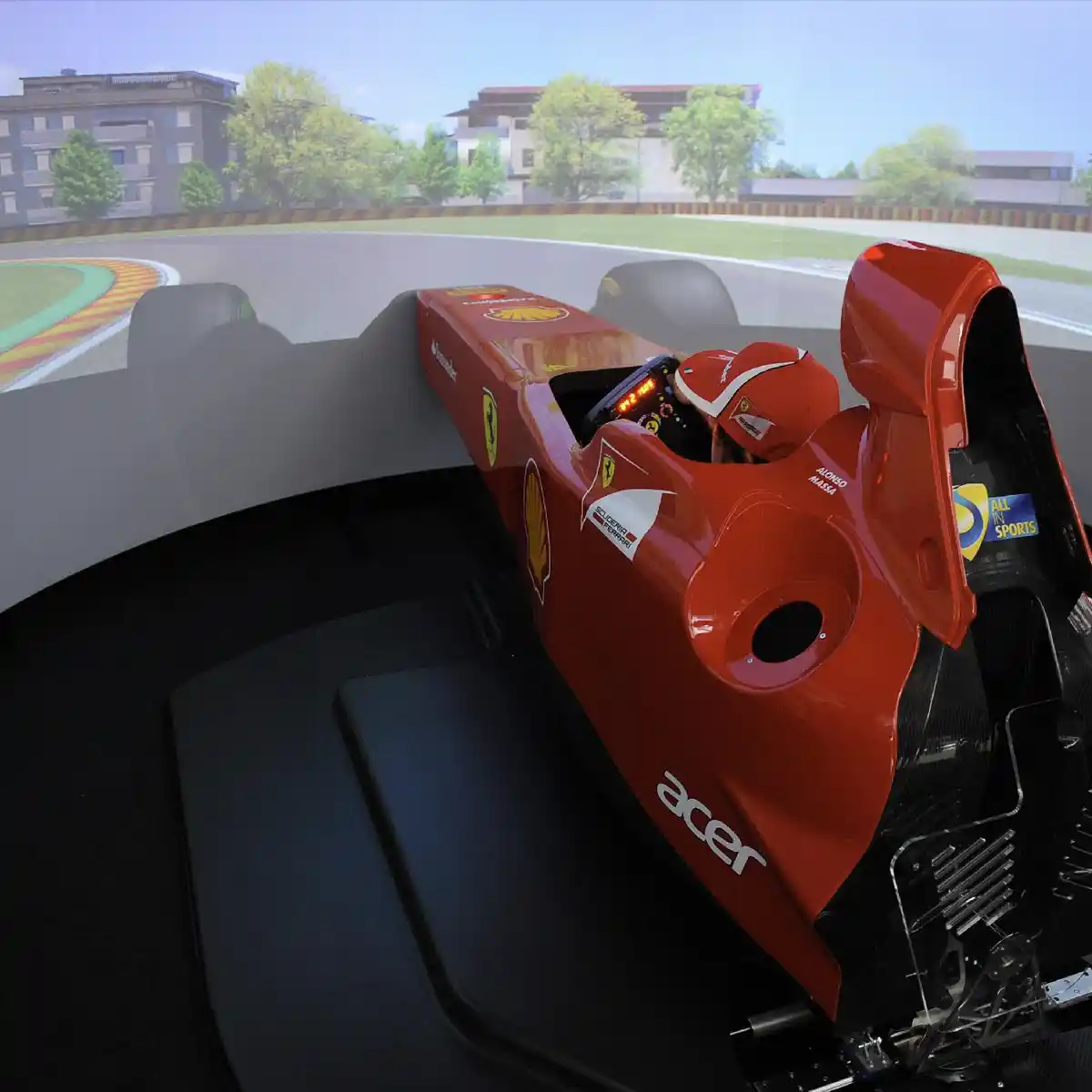
Ferrari F1 driving simulator with immersive multi-projector display calibrated with Scalable Display Manager

THEODOLITE-
VERIFIED
PRECISION

SDM's geometric correction achieves sub-degree arc uniformity across the entire display surface — independently verified using theodolite measurement equipment.

This is not a marketing claim. It is the specification that flight simulator programs require, and the number SDM delivers, on every installation.

  • Sub-pixel blend registration
  • Sub-degree geometric uniformity
  • Theodolite-verified accuracy
  • Meets military acceptance test criteria
  • Consistent across temperature and time
Pixel-perfect projector calibration achieved with Scalable Display Manager theodolite-verified precision

SEPARATE
CALIBRATION PC.
ZERO DOWNTIME.

SDM runs from a dedicated calibration laptop or small form-factor PC — completely independent from your simulation host. Calibrate without touching the sim. Recalibrate while the system stands ready.

Supports a range of tested and certified GigE cameras with different lens options for large multi-projector installations. Minimal footprint, maximum flexibility.

  • Runs separate from the simulation host
  • Automatic & scheduled no-touch calibrations
  • GigE camera support for fast and accurate results
  • Small form-factor PC option
  • On-demand calibration, always ready for training
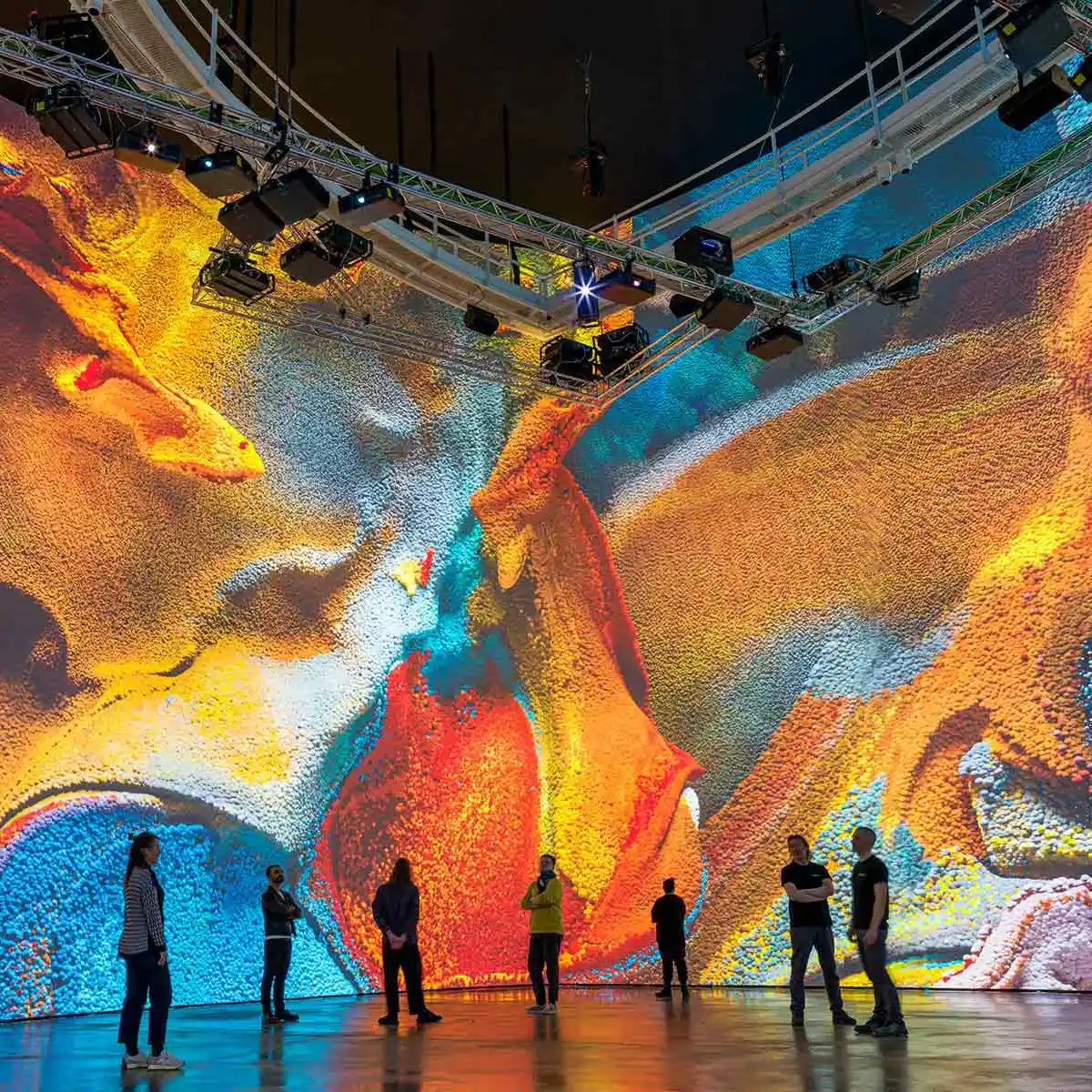
Immersive multi-projector display installation calibrated with Scalable Display Manager
Field Reports

FROM THE PEOPLE
WHO RUN THE
SIMULATORS

"We accomplished the impossible with this project… it's the best technical support we could have received."

Jeremy Weatherford (SI)
Zenith Systems

"Scalable has always provided fast, effective support. Their team's responsiveness and reliability have made them an outstanding partner."

Marcel Koebeli, CEO
Vector Simulations
Requirements

MINIMUM REQUIREMENTS
FOR HOST MACHINE

We recommend running Scalable Display Manager (SDM) from a separate calibration laptop or a small form-factor PC. The Host machine will need connections to your cameras, and network connections to your IGs and/or warping boxes. It is possible for SDM to run from a PC in your rack, or locally on the image generator, but it is strongly recommended that you have access to the PC (either physically or through VNC, etc) with the ability to directly view the screen for setup purposes.

  • Windows 11 (for Scalable 9.0 or newer)
  • Windows 10 64-bit (for Scalable 3.5 or newer)
  • 8GB of RAM minimum, 16 GB of RAM recommended
  • Intel Core i5 Processor or better
  • OpenGL3.0 compatible graphics card or better
  • Gigabit network adapter
  • 200GB or larger SSD with at least 50GB space available
  • Laptop with backlit keyboard strongly recommended

*If you are using Logitech cameras and a laptop to calibrate your system, you can use up to 2 Logitech cameras. If your system requires more than 2 Logitech webcams, you will need a desktop computer with independent port USB or switch to an alternate camera such as the GigE.

FAQ

COMMON
QUESTIONS

How many projectors does Scalable Display Manager support?
Scalable Display Manager supports an unlimited number of projectors on any screen geometry. There is no channel limit — SDM scales from a single-projector setup to a full multi-channel dome with dozens of outputs, managing the entire array as one seamless display.
Which image generators does SDM integrate with?
SDM includes 40+ image generator SDK integrations covering every major IG platform in active defense, civil aviation, and training deployment worldwide. Native integrations include Barco Pulse, Epic Unreal Engine, and Westar Warper4K. Custom SDK integration is also available for non-standard platforms.
How long does calibration take with Scalable Display Manager?
Per-projector calibration takes approximately 30 seconds. A full multi-projector system can typically be calibrated from scratch in under an hour. When a single projector shifts due to temperature change, lamp replacement, or physical disturbance, a 30-second recalibration restores sub-pixel accuracy without affecting any other channel.
Does SDM work with dome and curved screens?
Yes. SDM is specifically designed for dome, hemisphere, 360° cylindrical, CAVE, and fully custom screen geometries. 3D geometry file import supports any non-standard surface shape. Dome calibration is one of SDM's primary applications — deployed in military flight simulators, planetariums, and academic research facilities worldwide.
What cameras does SDM support for calibration?
SDM supports Logitech webcams — up to two simultaneously on a calibration laptop — and GigE cameras for larger multi-projector installations. The calibration system runs from a dedicated PC separate from the simulation host, so a standard laptop with a webcam is sufficient for many deployments.
How does SDM maintain calibration accuracy over time?
SDM stores the complete calibration model permanently. When a projector drifts over time due to thermal changes, lamp aging, or physical disturbance, a 30-second per-channel recalibration restores sub-pixel accuracy without requiring a full system reset. Recalibration can be triggered manually, on a scheduled basis, or via API integration with show control systems.
Get Started

READY TO SEE
SDM IN ACTION?

Whether you're designing a new simulation facility or upgrading an existing installation — our team has solved it before. Let's talk about your program requirements.

Request a Demo All Products