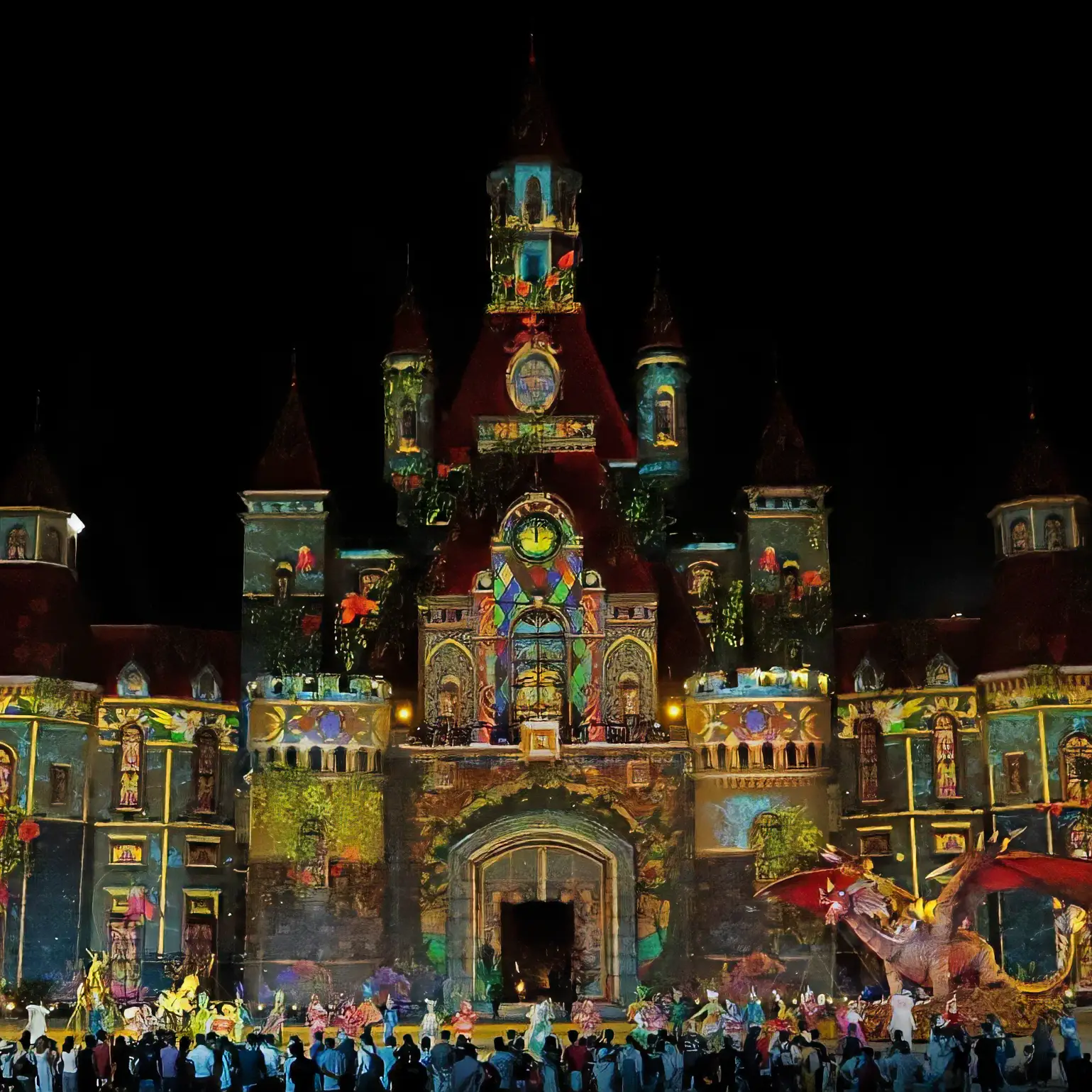
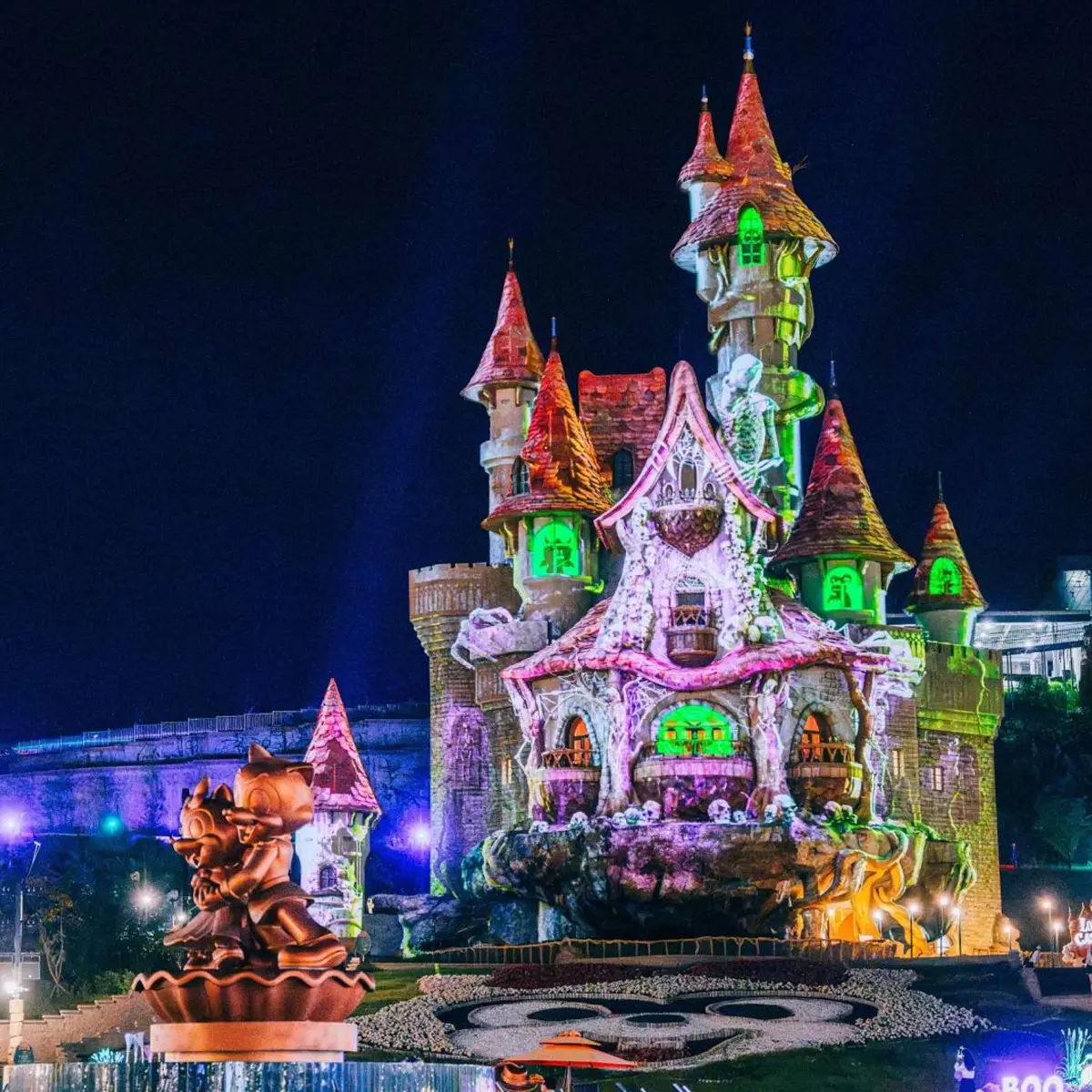
3D PROJECTION
MAPPING AT
ANY SCALE

Scalable Atlas is the professional standard for 3D projection mapping from permanent theme park installations to live event spectaculars. Atlas takes any 3D geometry file and uses camera-based auto-calibration to compute the precise warp required for every projector channel, on any surface shape.

The result is pixel-accurate projection on surfaces no manual alignment could ever achieve — complex façades, sculptures, architectural features — calibrated automatically, repeatable every time. Illuminate ordinary objects and make them extraordinary, there is no limit to the shape or projector layout that can be used with Atlas

Talk to our projection mapping team →
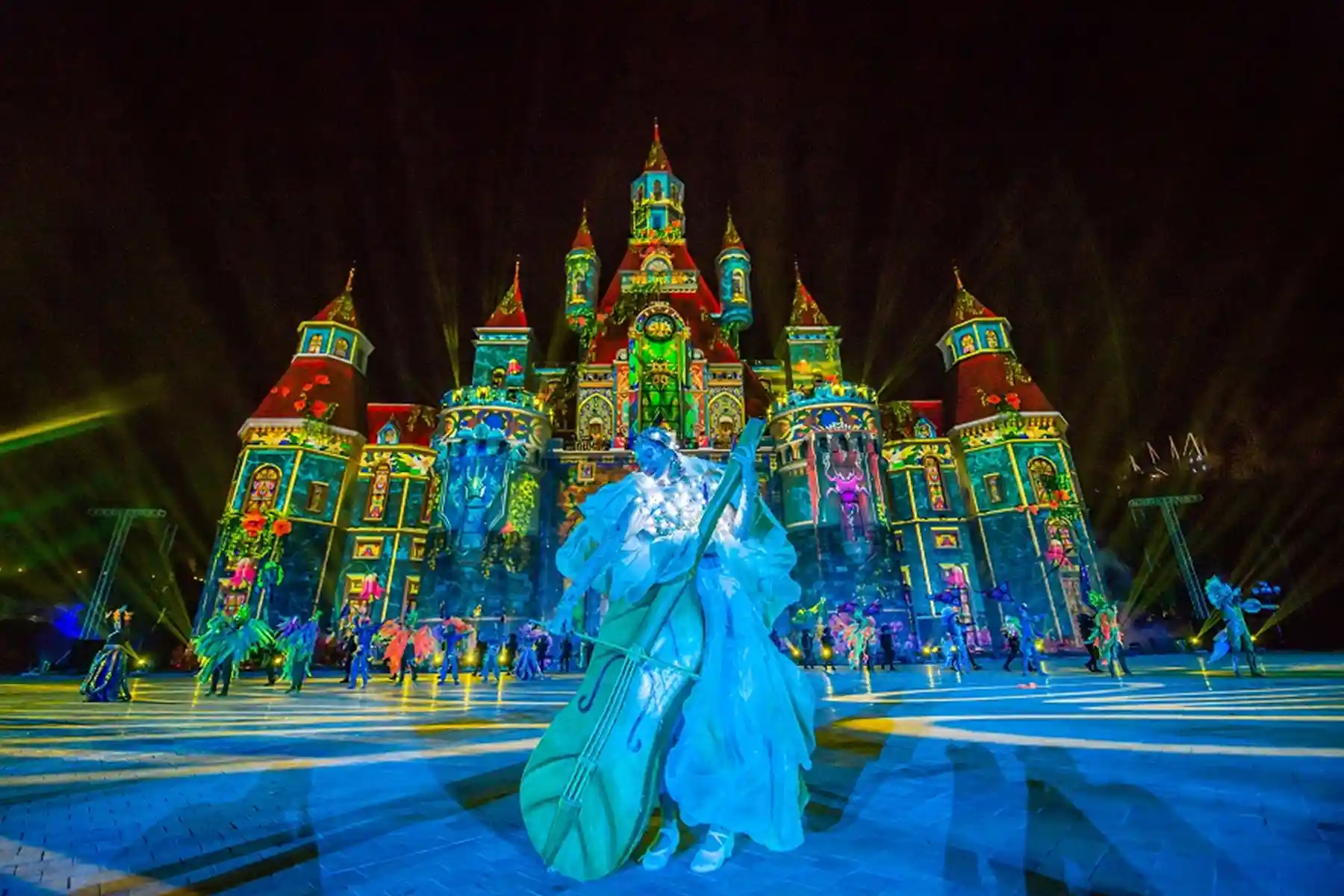
Castle façade projection mapping calibrated with Scalable Atlas
Atlas
Theme Parks · Live Events · Museums
Atlas · Any 3D geometry · Camera auto-calibration
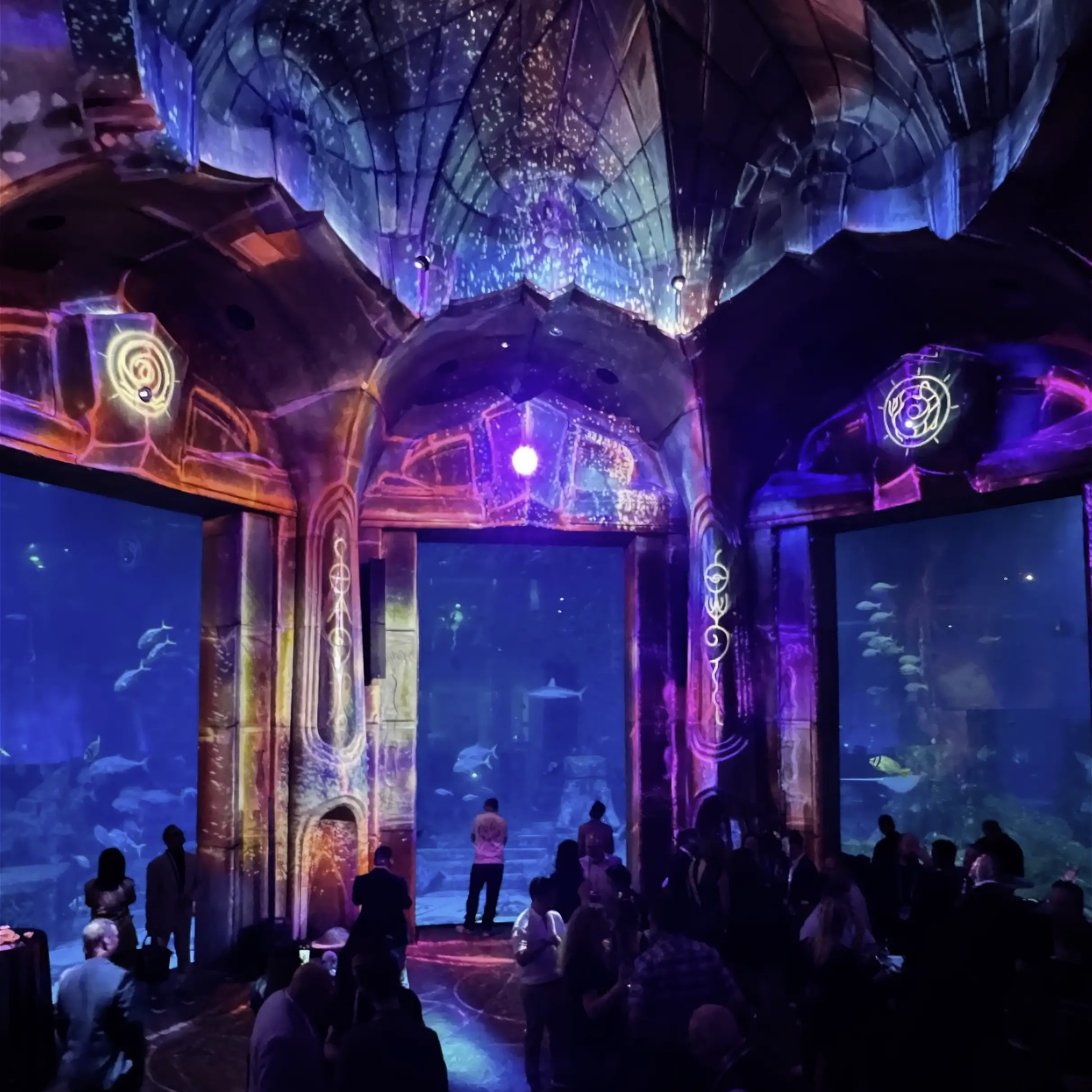
Capabilities

BUILT FOR THE
MOST COMPLEX
SURFACES

Every aspect of 3D projection mapping is handled automatically — from geometry import to camera-based calibration to per-channel warp computation on any surface shape.

Camera-Based 3D Auto-Calibration
A single camera photographs each projector in sequence. Atlas extracts the complete optical geometry and computes the exact warp required to align every channel to the 3D surface — automatically.
Import Any 3D Geometry
Load any 3D geometry file and Atlas builds the projection model from it. Standard geometry formats supported — from architectural CAD exports to artist-created 3D models, no surface is out of scope.
Scales from Statue to Castle
From a life-size sculpture in a museum atrium to a full theme park castle façade — Atlas applies the same precision regardless of scale. The workflow does not change as the surface gets larger or more complex.
Intuitive Step-by-Step Workflow
Atlas guides operators through a structured calibration process. Each step is clearly defined — import geometry, position camera, capture, compute, done. No specialist expertise required to achieve professional results.
Flexible Export Formats
Export industry standard formats from MPCDI to Scalable Mesh Files used across leading image generators via Scalable SDK. Supports 2D Profile, 3D profile and Shader Lamps profile for MPCDI customers.
Repeatable Recalibration
The calibration model is stored permanently. When a projector shifts or a new show requires updated alignment, recalibration is fast, accurate, and requires no re-survey of the physical surface.

ANY SURFACE.
ONE WORKFLOW.

Atlas begins with a 3D model of the projection surface — imported directly from the design file used to build it or created from a real world scan. This model becomes the calibration reference: every projector channel is mapped to it automatically using the camera-based calibration system.

No matter how complex the surface geometry — a multi-faceted castle tower, an irregular sculptural form, an architectural façade with recesses and protrusions — Atlas treats it the same way. Import, calibrate, project. Atlas does not require 3D markers on the object its calibrating.

  • Import standard 3D geometry file formats (.OBJ)
  • Use as many cameras as required to see the entire object
  • Handles convex, concave, acute and oblique surfaces
  • Complex blending algorithm to mitigate shadows and ensure real-world accuracy
  • Unlimited number of projectors, resolution or lens type
  • Flexible Export Options for media server playback
3D
Any geometry file — imported directly

ONE CAMERA,
OR MANY.
ALWAYS ALIGNED.

Atlas uses the same patented camera-based calibration technology that powers Scalable Display Manager but adapted for 3D surfaces. A single camera or an array of cameras photographs the projection output from each channel and computes the warp required to align it precisely with the 3D geometry model. This happens very quickly with a user-configured calibration pattern that is highly tailored to Atlas and detecting extremely small detail.

The result is extremely accurate projection across the entire surface, seams between projectors disappear, projector align across disparate surfacers, and the image wraps the geometry exactly as designed. What once required days of manual alignment now takes minutes. Don’t give the show away during setup, Atlas allows surgically precise setup in a fraction of the time.

  • Patented MIT-origin camera-based algorithm
  • Seamless multi-projector blending
  • Color and luminance uniformity across all channels
  • Supports a range of GigE cameras with different lens options
60 SEC
Per projector alignment on any 3D surface

SHOW-READY.
EVERY NIGHT.

Theme park spectaculars and museum installations run on tight schedules — often nightly, year-round. Atlas is designed for operational environments where calibration must be fast, reliable, and invisible to the audience.

The permanent calibration model means a full recalibration is rarely needed. When a projector is serviced or replaced, the affected channel can be recalibrated independently in minutes without disturbing the rest of the system.

  • Permanent calibration model — survives projector replacement
  • Per-channel recalibration without full system reset
  • Scheduled recalibration between shows
  • Runs from a dedicated calibration PC — separate from playback
  • Dataset Explorer for calibration management
365
Nights a year — show-ready every time
Field Reports

FROM THE PEOPLE
WHO RUN THE
SHOWS

"We knew there was only one viable option – Scalable."

Jon Hughes, Managing Director
Rockbrook / Céide Fields

"We've worked with SDT for over 15 years… highly accurate and reliable, and their support staff extremely knowledgeable and responsive. I highly recommend SDT."

Brian Lawson
15-year customer
Requirements

MINIMUM REQUIREMENTS
FOR HOST MACHINE

We recommend running Scalable Atlas from a separate calibration laptop or a small form-factor PC. The Host machine will need connections to your cameras, and network connections to your IGs and/or warping boxes. It is possible for Atlas to run from a PC in your rack, or locally on the image generator, but it is strongly recommended that you have access to the PC (either physically or through VNC, etc) with the ability to directly view the screen for setup purposes.

  • Windows 11 (for Scalable 9.0 or newer)
  • Windows 10 64-bit (for Scalable 3.5 or newer)
  • 8GB of RAM minimum, 16 GB of RAM recommended
  • Intel Core i5 Processor or better
  • Open GL 3.0 compatible graphics card or better
  • Gigabit network adapter
  • 200GB or larger SSD with at least 50GB space available
  • Laptop with backlit keyboard strongly recommended
FAQ

COMMON
QUESTIONS

What is Scalable Atlas and what is it used for?
Scalable Atlas is a professional 3D projection mapping software platform. It is used to project imagery precisely onto complex 3D surfaces — including architectural façades, sculptures, theme park structures, and custom set pieces — using camera-based auto-calibration to achieve pixel-accurate alignment automatically.
How does Atlas calibrate projection mapping onto 3D surfaces?
Atlas uses a single camera to photograph the projection output from each channel in sequence. The software extracts the complete optical geometry from these images and computes the precise warp required to align every projector channel to the imported 3D geometry model — automatically, without manual adjustment.
What 3D geometry file formats does Scalable Atlas support?
Atlas supports standard 3D geometry file formats including those exported from architectural CAD tools and artist 3D modelling applications. The 3D model of the projection surface is imported directly into Atlas and used as the calibration reference for all projector channels.
What scale of projection surfaces can Atlas handle?
Atlas scales from a single life-size sculpture in a museum to a full theme park castle façade — the workflow and calibration process does not change as surfaces get larger or more geometrically complex. It is deployed in permanent large-scale theme park installations as well as traveling museum exhibitions.
What cameras does Scalable Atlas support?
Atlas supports Logitech webcams for smaller installations and GigE cameras for larger multi-projector environments. The calibration system runs from a dedicated PC separate from the content playback system.
How does Atlas handle recalibration between shows or events?
Atlas stores the complete calibration model permanently. When a projector shifts or is replaced, the affected channel can be recalibrated independently in minutes without resetting the rest of the system. For permanent installations, recalibration can be scheduled automatically between shows.
Get Started

READY TO MAP
YOUR SURFACE?

Whether you're designing a permanent theme park spectacular or a one-night live event installation — our team has mapped surfaces on every continent. Let's talk about your project.

Request a Demo All Products